Creating and Filling Out the Athlete Application Form
ВидеоинструкцияAthlete application form
Such forms are needed mainly to take part in tournaments run under the Olympic system — the platform can generate one automatically from the data already filled in on your profile.
Step 1. Open the tournament application form
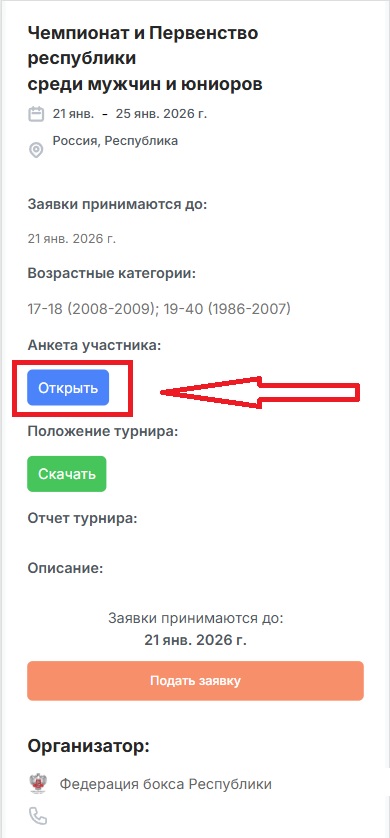
Sign in to the platform under an athlete account, and on the page of the competition you want to enter, click the "Application Form" button.
A window will open on screen with the data you already entered when filling out your profile — you can update it or leave it unchanged. The form fields match the standard format used at Russian Boxing Federation tournaments.
Step 2. Save and download the form
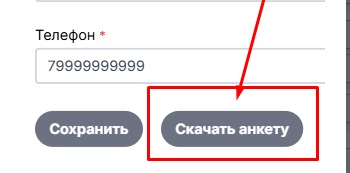
After filling it out, click "Save" — the data will become available to the tournament organizer in the correct format and will be saved to your profile.
The "Download Form" button lets the platform generate a PDF file for printing or other use.